How to Find Your Nebuliser Model Number and Match Spare Parts
The model number is printed on the device label, the box and the user manual. This guide shows how to read the label and how to check that a spare part fits your device before you place an order.
The most common mistake when ordering a spare part is assuming it will fit "any nebuliser". Every brand and model uses its own parts. So the first step to choosing the right one is knowing the brand and model of your device. Below, we explain where to find that information, how to read it and what to check before you order.
What is a model number and why does it matter?
The model number is the code a manufacturer gives to a type of device. A device might be called "Air Pro 3" or "YS35", for example. Every unit of the same product carries the same model code, and the parts are designed around that code.
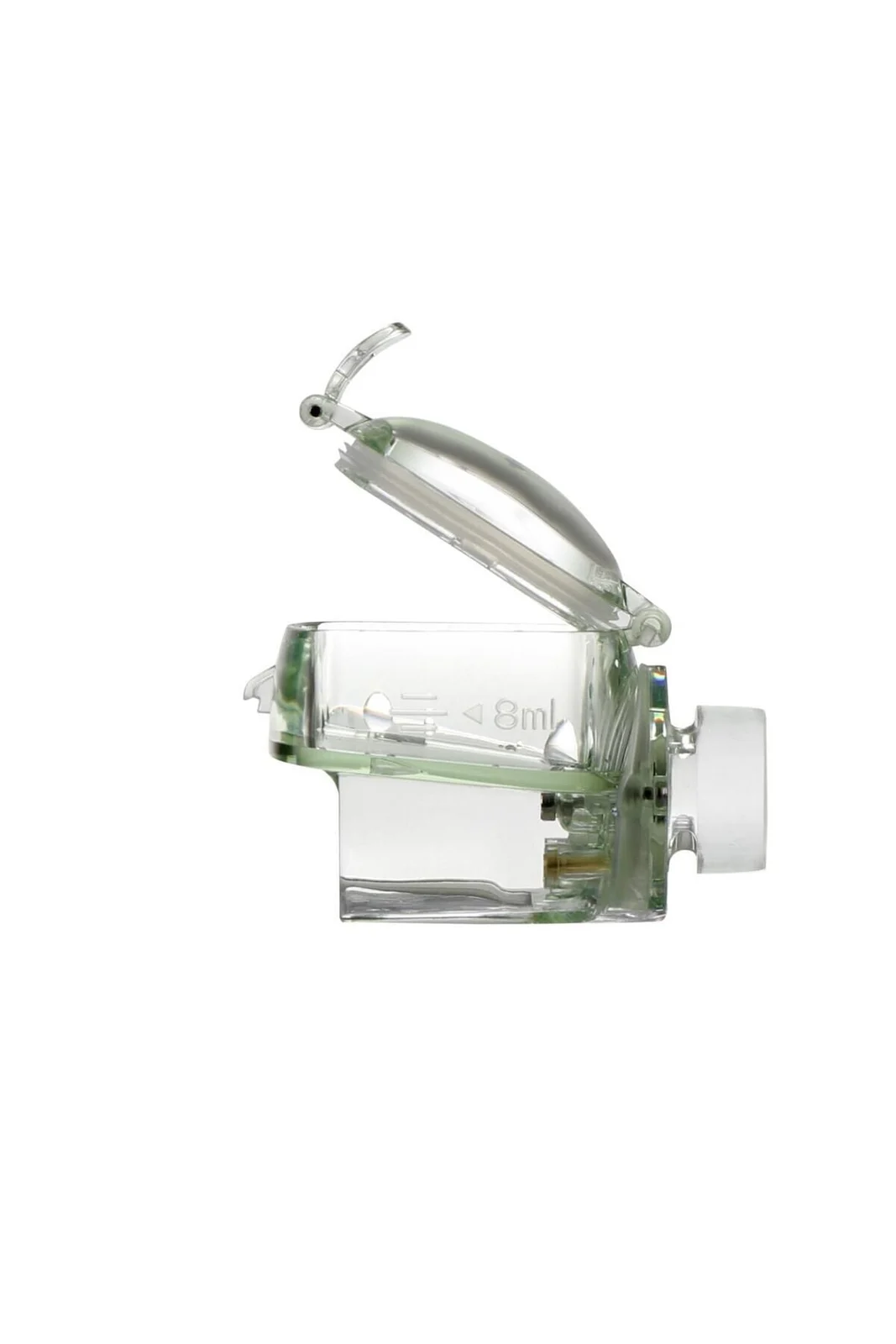
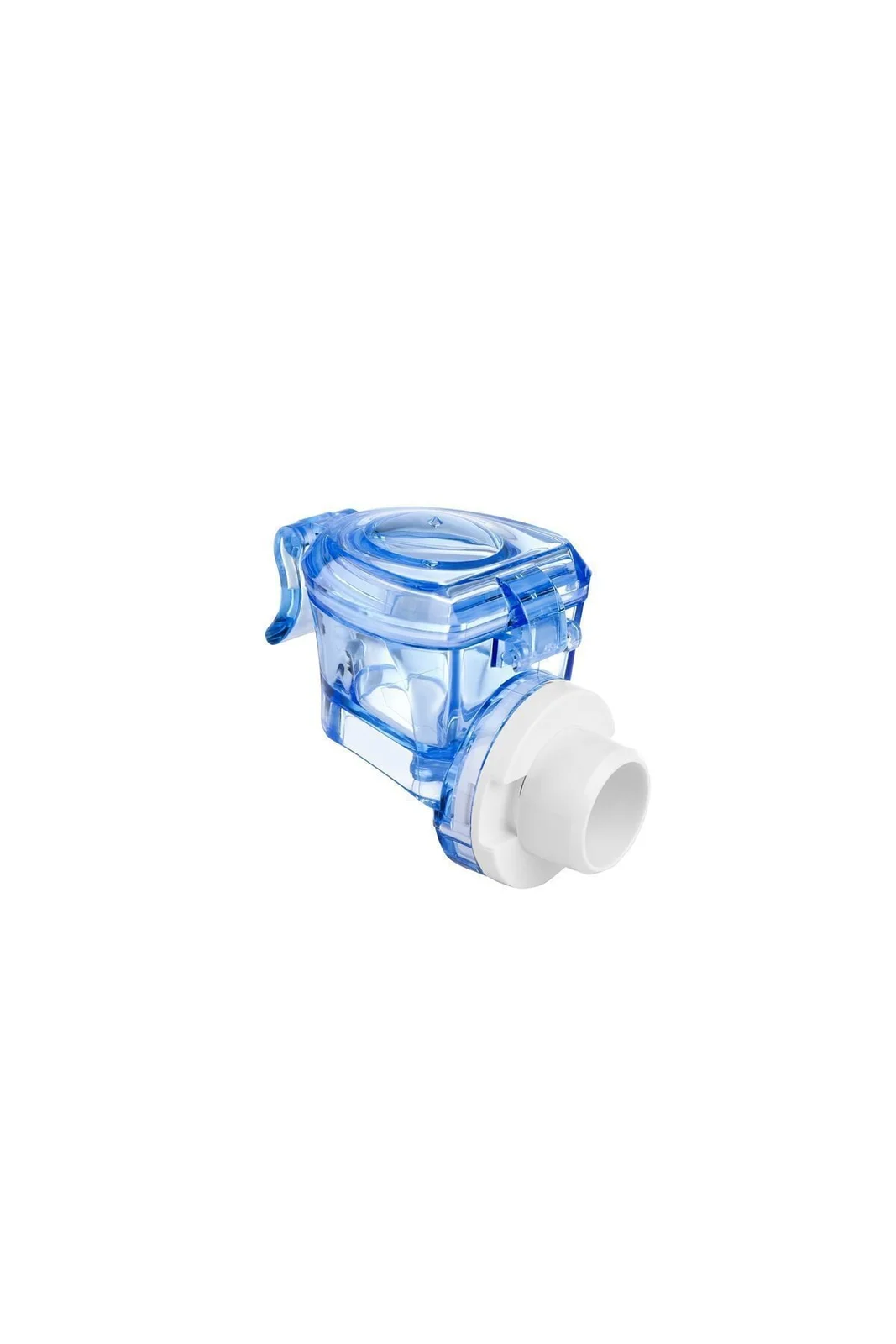
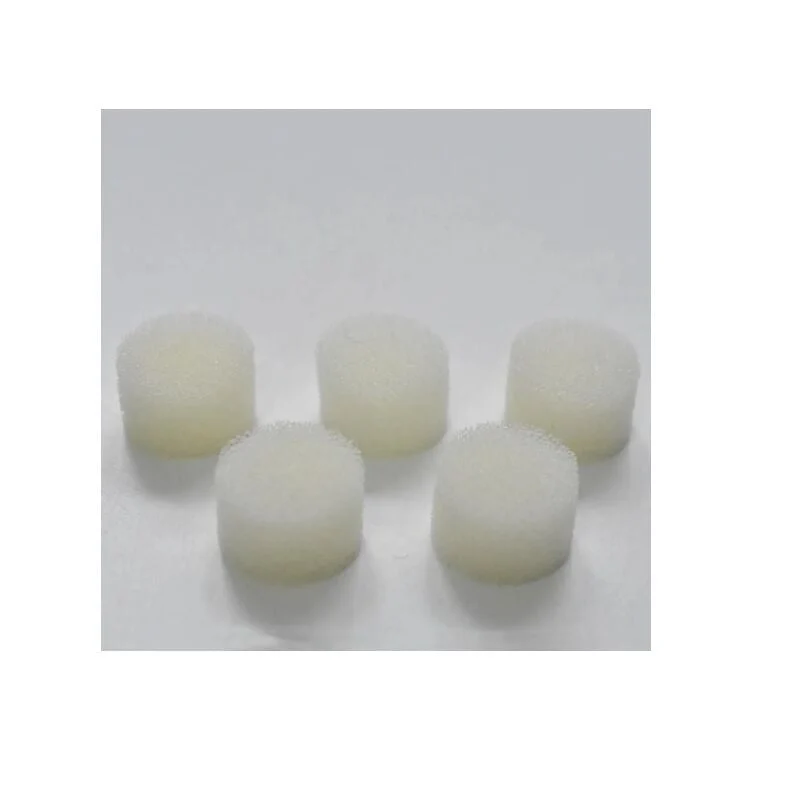
Mesh plates, medication cup lids, mask connectors and charging cables can all differ from one model to the next. A part that does not match may not seat properly or may affect how the device works. Confirming the model before you order is the safest route.
Where to find the model number
Check the places below in order. Most of the time you will find it in the first two.
1. The label on the device
- Look at the back or underside of the device.
- On battery-powered models, the inside of the battery cover or the area next to the battery compartment may carry the label.
- Some devices have small text moulded or printed into the casing rather than a sticker. Holding the device so the light hits it from the side makes it easier to read.
- If the label is tiny, take a close-up photo with your phone and zoom in.
2. The box and the user manual
- The model name is printed on the side or bottom of the box.
- The front cover and the technical information page of the manual both give the model code.
- If you have thrown the box away, you may still have the manual pages. Look there too.
3. Order history and invoice
- If you bought the device from us, the full product name is in your order history.
- Your invoice or order confirmation email also shows the product name.
- The brand and model code in that name are usually exactly what you need.
4. If the label has worn off
Constant handling and cleaning can wear a label away. In that case, take clear photos of the front, back and inside of the device, plus a close-up of the part you want to replace. If you know the brand, mention it. You can send us these details and we will check together.
How to read the label
Several codes sit side by side on a label. This table helps you tell them apart.
| What the label says | What it means | Useful for choosing a part? |
|---|---|---|
| Model, Type, Model No. | The type code of the device | Yes, this is the one you need |
| SN, Serial No. | A number unique to your unit | Usually not, do not mix it up with the model |
| REF, part code | The manufacturer's internal code | Sometimes helpful, but not enough on its own without the model |
| LOT, production date | Production batch information | Usually not needed |
| Input/output electrical ratings | Adaptor and charging information | Check when buying a charging cable or adaptor |
Taking the serial number for the model number is a frequent slip. A model code is usually a short mix of letters and digits, while a serial number tends to be longer.
Always note the brand and the model together
Devices with the same model code can be sold under different brands. In our shop, for example, the VZN YS35 and the Iron YS35 are listed as separate products. A matching code does not necessarily mean the parts are interchangeable. Write down the brand and the model code together.
Look closely at similar names too. The Feellife Air Pro 3 and the Feellife Air Pro III Karbon have close names but separate product pages. Go by whichever name is printed on your device or box. If you are unsure, ask us before you order.
What to check for each part
The parts differ by device type, and mesh and compressor devices really are different here.
| Part | Mesh device | Compressor device |
|---|---|---|
| Part that makes the mist | Mesh plate (head) | Nebuliser cup assembly |
| Tubing | Usually none | Yes, connector ends can vary by model |
| Mask and mouthpiece | Depends on how the device connects | Depends on the cup connector |
| Charging cable, adaptor | Needed on rechargeable models | Mostly the main unit's adaptor |
Mesh plate
The plate turns the medication into a mist and is specific to the model. For signs of clogging and when to replace it, see our guide When Should a Mesh Plate Be Replaced?. When you order a new plate, keep a photo of the old one handy.
Tubing and cup
On compressor devices, the tubing ends and the cup connector must match. For replacement timing and cleaning, read our guide to tubing and medication cups.
Mask and mouthpiece
Look at the point where the mask or mouthpiece attaches to the device or cup. Child and adult masks come in different sizes. Your doctor or pharmacist can advise on which size suits whom.
Charging cable and adaptor
On rechargeable models, check the electrical ratings on the label and the charging details in the user manual. Before using an adaptor other than the one supplied, check the manufacturer's manual. We also have a battery and charging guide.
Checklist before you order
- Note the brand of your device.
- Find the model code on the label and make sure you have not confused it with the serial number.
- Write down the name of the part you want to replace (plate, cup, tubing, mask and so on).
- Take clear photos of the old part and the device.
- On the Spare Parts page, check whether your brand and model code appear in the product name.
- Compare the compatible model information on the product page with what is on your device.
- Whenever something is unclear, write to us before ordering.
If your model is not listed
We cannot stock parts for every device. If your model is not listed, write to us instead of guessing with a similar part. If you are thinking of replacing the device itself, you can browse our Mesh Nebulisers and Compressor Nebulisers pages. If you find a part does not fit after receiving it, see our returns and exchanges page for the conditions.
When fitting and cleaning the new part
Before fitting a new part, read the steps in your device's user manual. The manufacturer's manual is the final word on cleaning, drying and replacement intervals. You can use our cleaning guide for general steps, but if anything conflicts with your manual, follow the manual.
A nebuliser only turns the medication your doctor has prescribed into an inhalable mist. Your doctor and pharmacist decide which medication, at what dose and how often, and if you have an ongoing complaint, please see a doctor. If you cannot find your model number or are unsure about part compatibility, you can reach us through our contact page.
Frequently asked questions
- Where is the model number on the device?
- Usually on the label on the back or underside of the device, and on battery models sometimes inside the battery cover. It is also on the box, in the user manual and in the product name in your order history.
- Is the model number the same as the serial number?
- No. The model number identifies the type of device and is what you use to choose parts. The serial number is unique to your unit. The model code is typically shorter and the serial number longer.
- What if the label has worn off?
- Take clear photos of the device and of the part you want to replace, and note the brand. Send these to us and we can check compatibility together.
- Are parts shared between two brands with the same model code?
- Not necessarily. Devices with the same code can be sold under different brands, but you should not assume the parts are interchangeable. Give the brand and the model code together, and ask us before ordering if you are unsure.
- I ordered the wrong part. What can I do?
- See the returns and exchanges page on the site for the conditions. Do not force the part onto the device.
- Which source should I trust for part replacement and cleaning?
- The manufacturer's user manual comes first. Our guides give general information, and if anything conflicts with your manual, follow the manual.
This article is general information, not medical advice. Your doctor and the user manual determine how the device and medication are used.